Expense management made simple and affordable
Track expenses, automate approvals, send quotes that convert to invoices, and see exactly which clients are profitable — without the enterprise bloat.


Built by, for, and with small businesses
By small business owners
We run a small business too, so we understand the realities of cash flow, receipts, approvals, and audits. ExpenseLab is designed to be practical, fast, and affordable.
For time‑strapped teams
Speedy receipt capture, clear approvals, and budget guardrails that prevent surprises. Less clicking; more getting work done.
With your input
Our roadmap is shaped by feedback from owners, admins, and employees. Send ideas to support@expenselabapp.com.
Three simple flows. Zero enterprise bloat.
From a crumpled receipt to a paid client invoice — and from a quote to knowing exactly how profitable that client was — ExpenseLab keeps small‑business money moving without a six‑figure software budget.
Expense flow
Capture
Snap a receipt from your phone — no scanner required.
Auto‑fill
OCR reads the merchant, amount, and date for you.
Approve
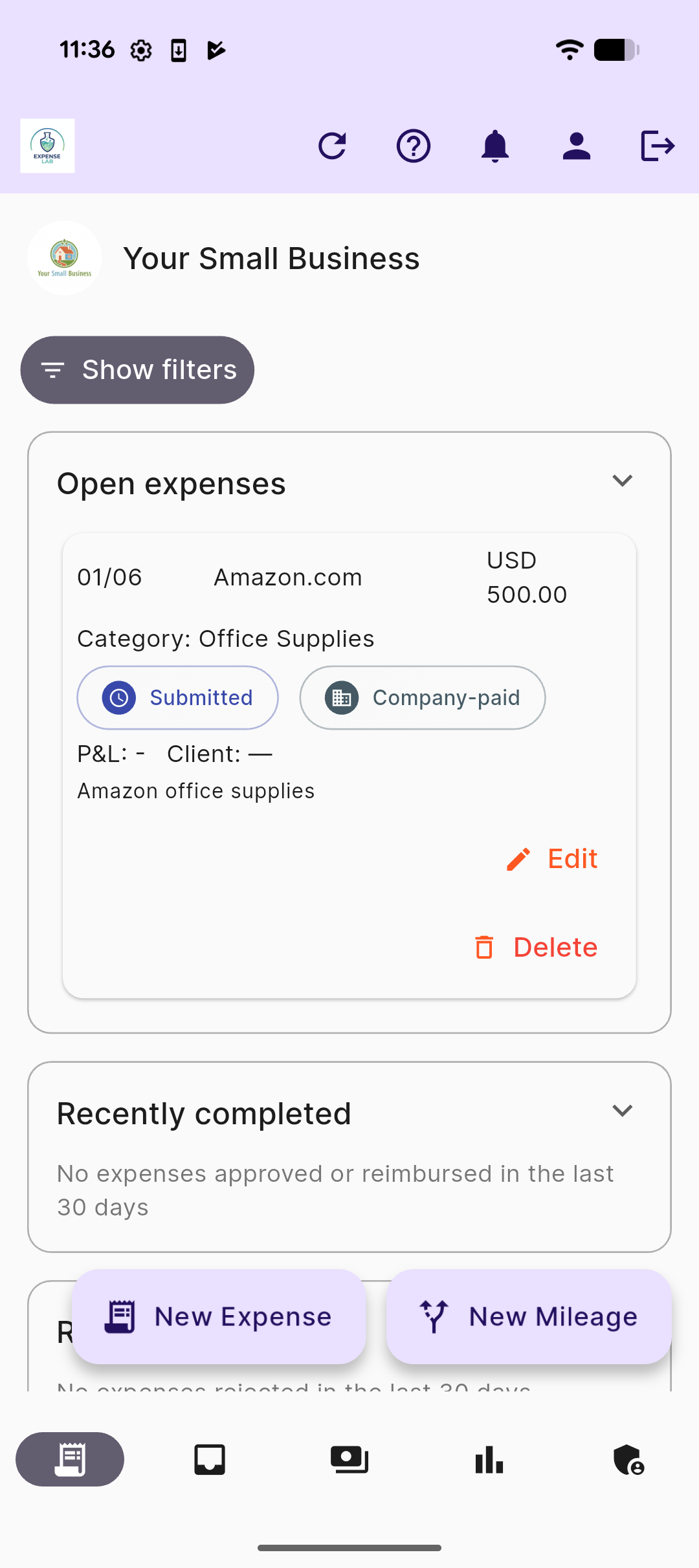
Managers review and approve right from their phone.
Reimburse
Batch approved expenses and mark them paid.
Invoice flow
Create
Add line items, tax, and your logo in seconds.
Send
Share a polished PDF straight to your client.
Track
See overdue, partially paid, and paid at a glance.
Get paid
Record payments and watch your cash flow clear up.
Quote-to-profit flow
Quote
Send a client a quote with line items, tax, and a PDF.
Accepted
Client approves — mark the quote accepted in one tap.
Convert to invoice
One click turns the quote into a real invoice — same client, line items, and tax.
See profitability
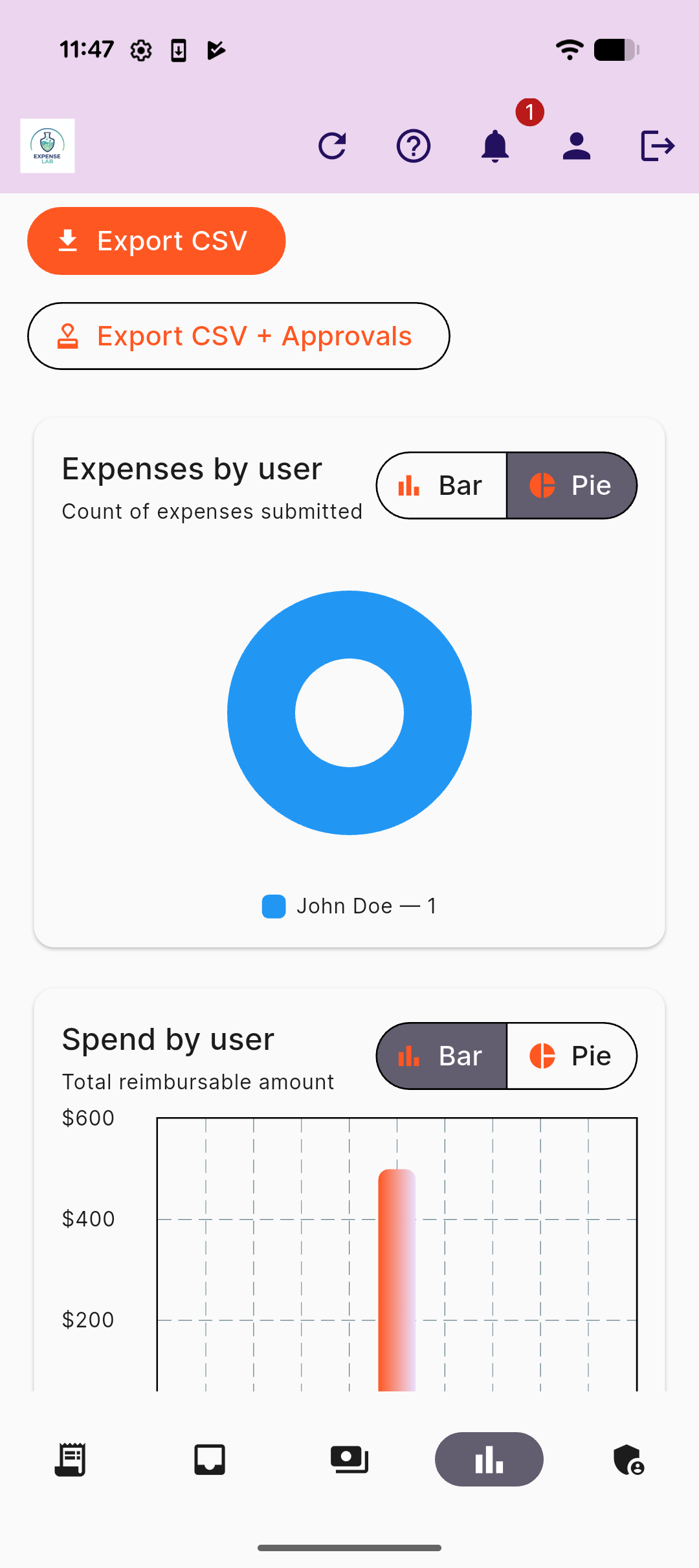
Reports compares what you invoiced that client against what you spent on them.
Product screenshots

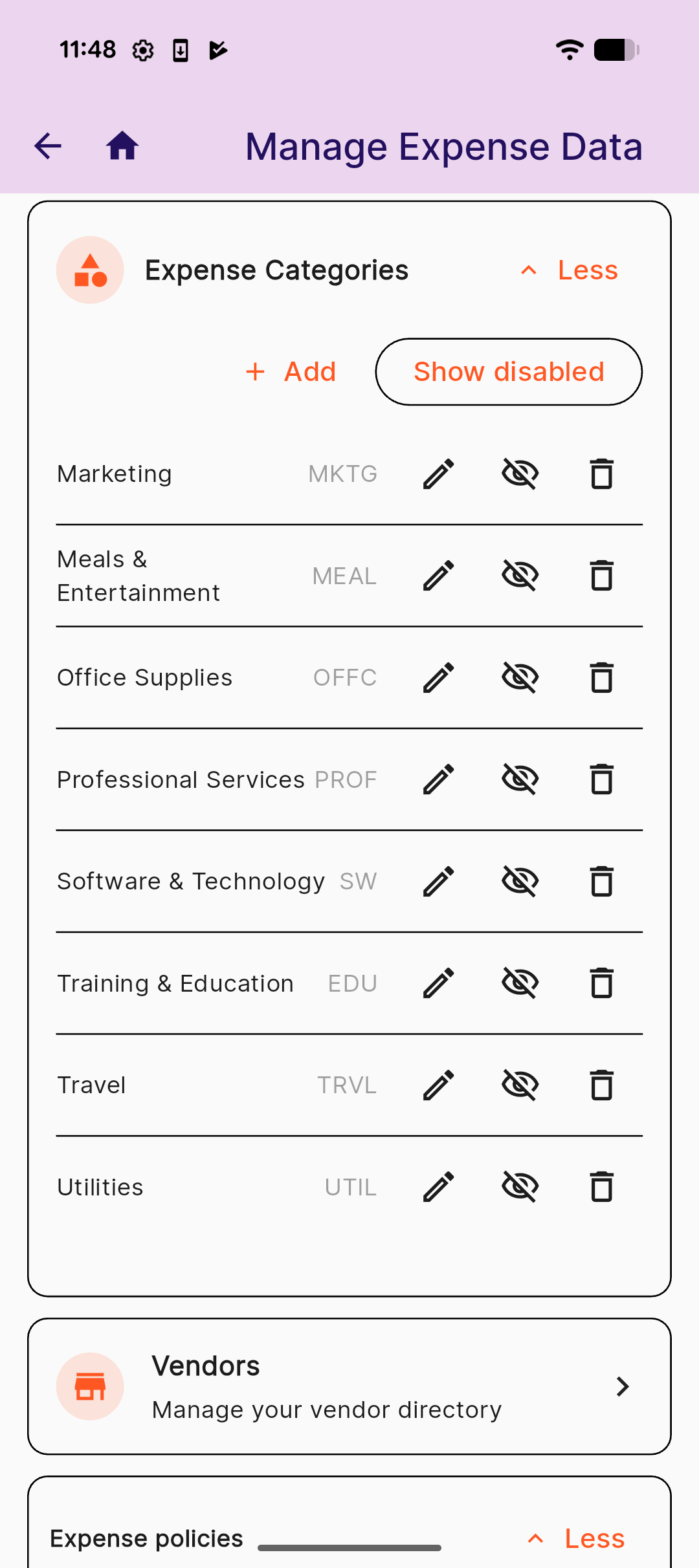
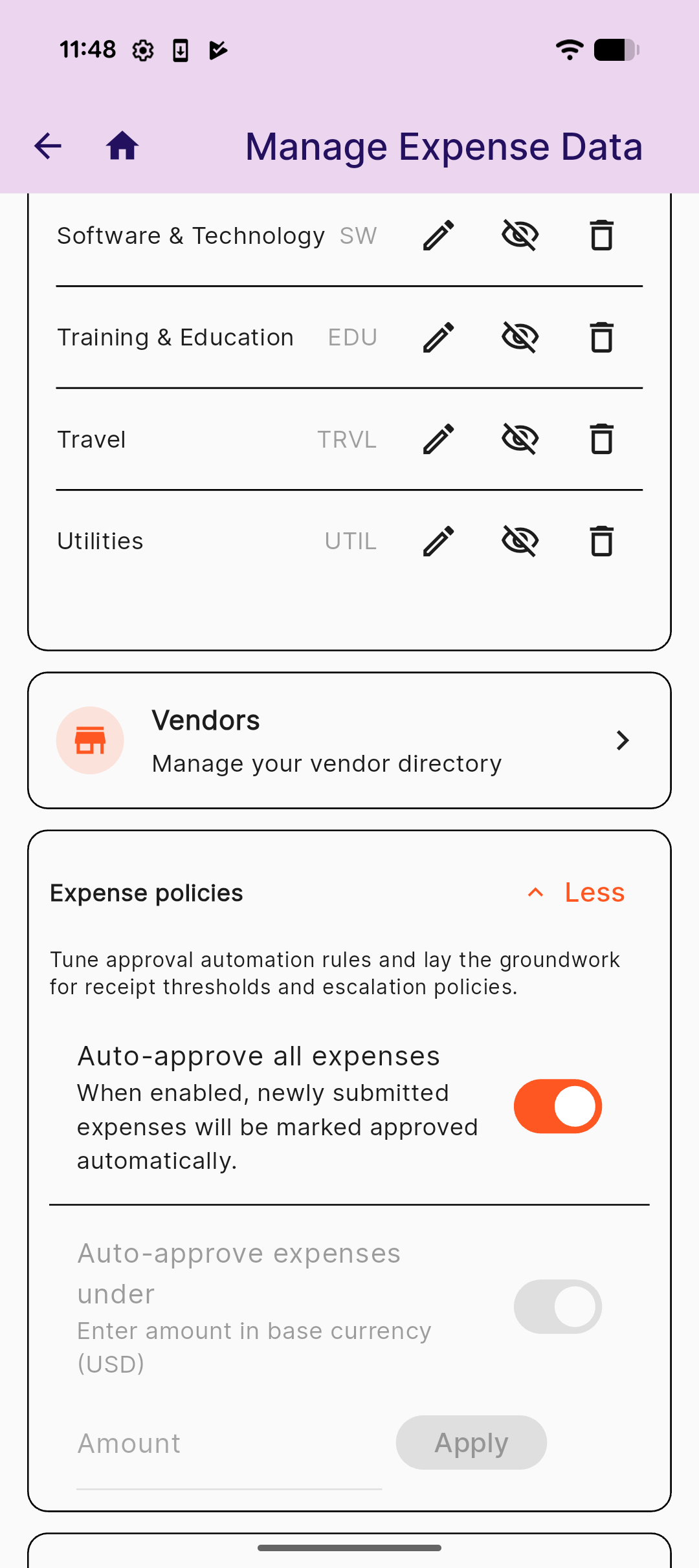
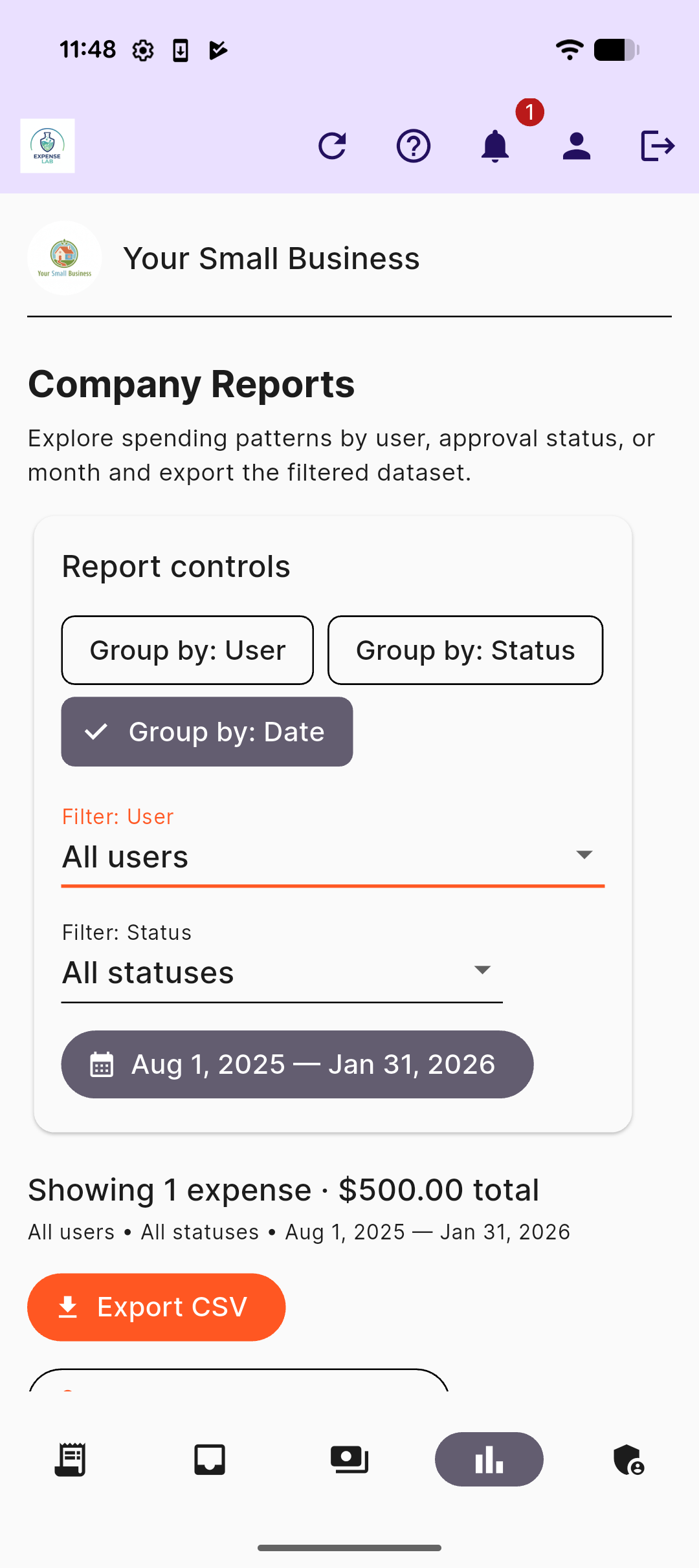
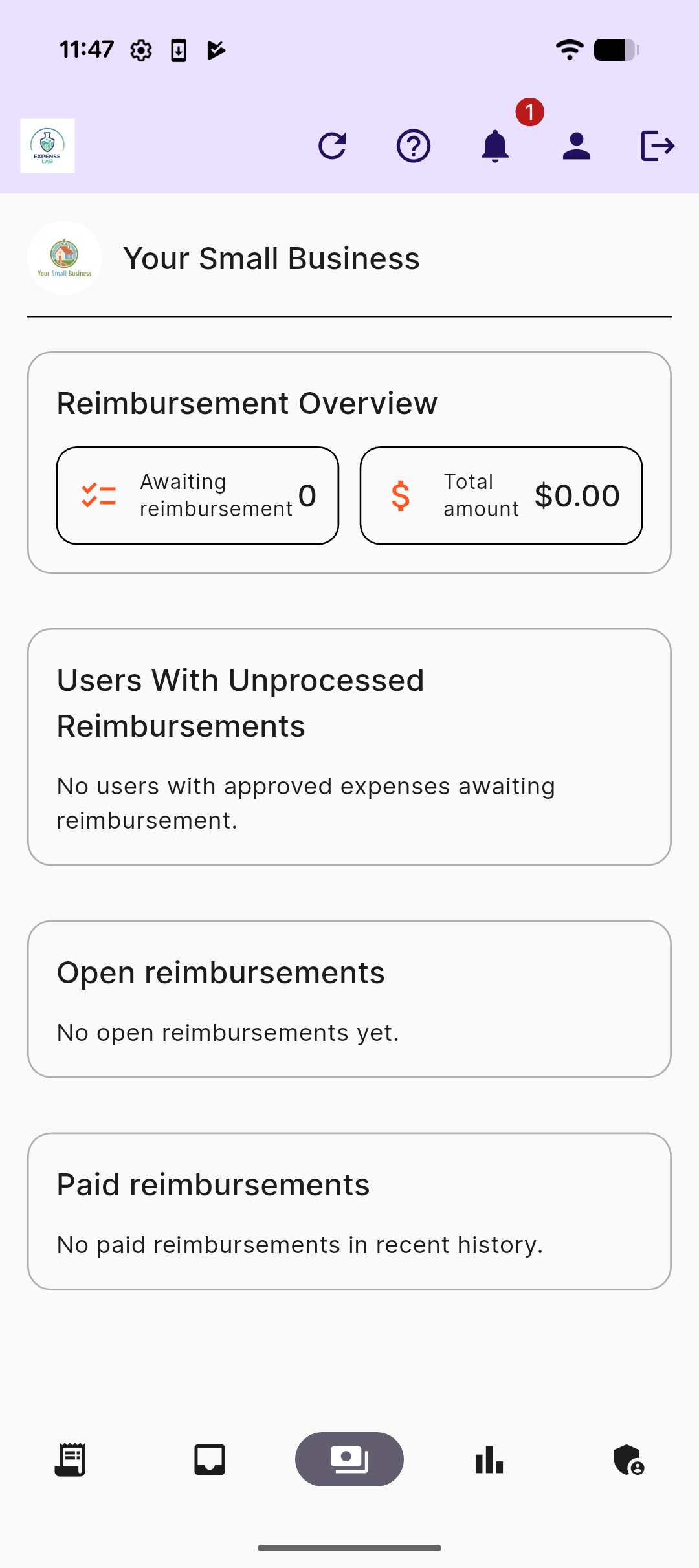
Plans
Full expense management and client invoicing, priced for a small business budget — not an enterprise one.
Free — $0/month
For trying things out
Get started with the essentials. No credit card required.
- Receipt capture & categorization
- Mileage & basic approvals
- Client invoicing (up to 10/mo)
- Quotes/estimates (1/mo) → convert to invoice
- Bulk expense import (CSV)
- Export to CSV
Business — $4.99/month
Great for growing teams
Up to 10 seats. Approve faster with better controls. Or $49.99/year (save 17%).
- Advanced approval workflows (single‑level)
- Budget controls & company reporting
- Client invoicing (up to 500/mo)
- Quotes/estimates (3/mo) → convert to invoice
- Client/project profitability reporting
Professional — $19.99/month
For advanced operations
Up to 25 seats. Automation and deeper insights. Or $199.99/year (save 17%).
- Multi‑level approvers (including level 2)
- Smart receipt OCR & vendor rules
- Client invoicing (up to 1,000/mo) with payment tracking
- Quotes/estimates (unlimited) → convert to invoice
- Client/project profitability reporting
- Advanced analytics & exports
- Priority support
That's $4.99/month for a 10-person team, or $19.99/month for 25 — competing expense platforms typically run $50–450+/month for the same size team. See the full price comparison →
Feature availability may vary by platform.
Frequently asked questions
What is ExpenseLab?
ExpenseLab is expense management and client invoicing software for small businesses and teams of 1–25 people. It covers receipt capture with OCR, approval workflows, mileage tracking, reimbursements, client invoicing with payment tracking, budget controls, and company reporting — the same core job as enterprise platforms like Expensify or SAP Concur, built and priced for a small team instead.
How much does ExpenseLab cost?
Free for up to 5 seats. The Business plan is $4.99/month (or $49.99/year) for up to 10 seats, and the Professional plan is $19.99/month (or $199.99/year) for up to 25 seats. See the full pricing comparison against Expensify, SAP Concur, Ramp, Brex, Zoho Expense, and Fyle.
Is there a free plan, and does it require a credit card?
Yes — the Free plan includes 5 seats, receipt capture and categorization, mileage tracking, basic approvals, bulk CSV import, CSV export, and up to 10 client invoices a month, with no credit card required to start.
Does ExpenseLab support multi-level approval workflows?
Yes. Single-level approvals are available starting on the Business plan, and two-level approval chains (a second approver above the first) are available on the Professional plan — optional, not required, so a small team that doesn't need multiple approval levels can keep things simple.
Does ExpenseLab include client invoicing?
Yes, on every plan, including Free. You can add line items and tax, send a branded PDF invoice, and track payments as sent, partially paid, or paid. Invoice limits scale with the plan: 10/month on Free, 500/month on Business, and 1,000/month with payment tracking on Professional.
How is ExpenseLab different from Expensify, Ramp, SAP Concur, or Brex?
Those platforms are built first for companies with dedicated finance teams and hundreds of employees, then priced down for smaller teams. ExpenseLab was built the other direction, for 1–25 person teams from the start, which is why it costs a fraction of the price for a comparable feature set. See the detailed comparison for exact numbers.
Can I send a quote or estimate before invoicing a client?
Yes. Create a quote with line items and tax, send it as a PDF, and once your client accepts, convert it to a real invoice in one click — carrying over the recipient, line items, tax rate, and note. Quote limits scale with the plan: 1/month on Free, 3/month on Business, and unlimited on Professional.
Can I see which clients or projects are actually profitable?
Yes. Reports includes client/project profitability: it compares what you've invoiced a client against what you've spent on them — using the same client tagged on both invoices and expenses — so you can see net profit per client rather than just revenue or spend in isolation.
Does ExpenseLab send invoice reminders?
ExpenseLab calculates when a reminder is due — once before an invoice's due date, then on a repeating schedule while it's overdue — and flags it for you. It doesn't email clients automatically; sending a reminder uses the same share flow as sending the original invoice, through your own email app.